Is the light on the solar remote control red?
Leave a message
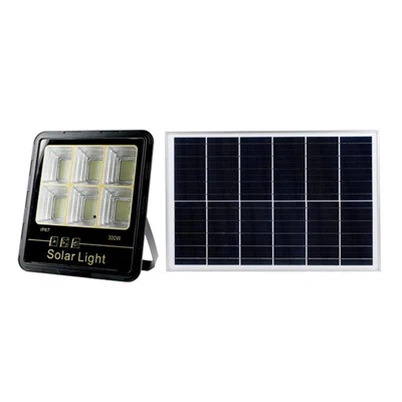
1.Attach the solar panels and place them in a sunny area
2. The red indicator light next to the light source turns red or blinks, that is, it is being charged (indicating that the solar panel and the battery are working normally).
3. After the remote control is put on the battery, press the button of the remote control, and then press the button of 12H. (The indicator light will blink, indicating that the remote control and the receiver of the lamp body are normal)
4. The solar panel has a light control function, in the case of light exposure, the cast light is not bright
5. The solar panel can be blocked, and the light will automatically turn on
6. The remote control has multiple timing and dimming, which can be adjusted according to demand
7. Power Mode - Mode (Click, flash once for mode 1; Click again, flash twice for mode 2)
8. Induction - Light mode, automatic light control at night
9. Suspend Mode- Standby state (press standby to turn off during the day and night, then press to restore light control, turn off during the day and turn on automatically in the dark)
10.4, 6, 10, 12H - Indicates how many hours after dark it automatically closes
11. ON/OFF - forced switch (If pressing the forced switch will cause the light control to turn off, need to press induction to activate the light control)